Jungle Trail
A first-person walk through a procedurally generated jungle trail into overgrown...
Jungle Trail
📖 How to Play
Click START GAME, then click the scene to lock the pointer. Walk with WASD, look with the mouse, sprint with Shift, and jump with Space. Warp along the trail with keys 1–5. Press F3 for a debug overlay. Best experienced on a desktop GPU.
📚 Complete Game Guide
title: "Jungle Trail" slug: "jungle-trail" description: "A first-person walk through a procedurally generated jungle trail into stone ruins and a waterfall, built in Three.js with zero external art assets." category: "casual" tags: ["jungle", "trail", "three.js", "walking sim", "first-person", "exploration", "procedural", "webgl", "open source"] thumbnail: "/games/jungle-trail/thumbnail.svg"
Jungle Trail
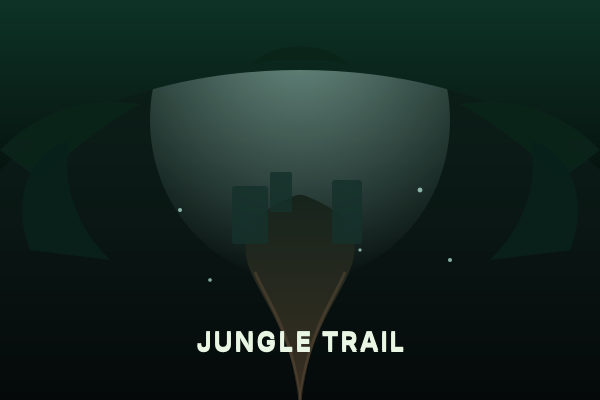
Jungle Trail is a first-person walk down a winding jungle trail into overgrown stone ruins with a waterfall. It is built in Three.js with zero external art assets — every texture, mesh, and sound in the scene is generated procedurally in code. There are no image files, no models, and no audio recordings: the leaf atlas, the bark, the ground, the stone, and all sixty audio buffers are computed at load time.
There are no points, no timers, and no fail state. It is a place to walk through and look at.
How to Explore
- Click START GAME, then click anywhere on the scene to lock the pointer.
- Walk forward with W and look around with the mouse.
- Use the trail as your guide — it winds from the trailhead, past the ruins, and down to the falls.
- Jump with Space, sprint with Shift to move quicker.
- Warp along the path with keys 1 – 5 if you want to skip ahead.
Controls
- Click — lock the pointer
- Mouse — look around
- W A S D — move
- Shift — sprint
- Space — jump
- 1 – 5 — teleport to trailhead / mid-trail / ruins / temple clearing / the falls
- F3 — show or hide the debug overlay
On touch devices, a walk pad appears bottom-left; drag anywhere else to look.
Tips
- The scene is built procedurally on load and adapts its quality to your device after a few stable seconds — give it a moment on first paint.
- Press F3 to peek at the debug overlay (frame time, draw calls, quality tier). Collapse it to a summary bar, or press F3 again to dismiss it.
- The teleport keys (1–5) are the fastest way to see every set piece without walking the whole trail.
Performance
Jungle Trail wants a desktop GPU. On a phone you will be told so before the scene is built and can choose to continue, but there is no reduced-quality mobile mode — the quality is the point.
Save Data
Nothing is saved. Each load rebuilds the entire world procedurally from a seed, so every visit is a fresh walk. Clearing site data has no effect on the experience.
Open Source & License
Jungle Trail is created by Prasenjit (StarKnightt) and licensed under the MIT License.
- Source repository: https://github.com/StarKnightt/jungle-trail
- Original live build: https://starknightt.github.io/jungle-trail/
This integration self-hosts the MIT-licensed source so it runs entirely in your browser, fetching only the Three.js library from a public CDN.
🎮 Controls
Share This Game
🎮 Related Games

Messenger
Step into the shoes of a messenger on a tiny, beautiful planet. Explore and deliver letters!

HexGL
A fast-paced, futuristic 3D racing game built with Three.js. Race at breakneck speeds!
Tiny World Builder
A charming voxel-style 3D world builder powered by Three.js. Place blocks and create!
Samsy Ninja
A stunning 3D interactive experience with VRM character models, WebGPU rendering, particle effects, and cinematic visuals.
💬 Comments
Coming soon! Sign in to leave a comment.